
Chapter 14 · 14.4
Downloads
On the Downloads page, you'll find the programs and apps for your WebOké services, plus quick links to your own backups, invoices and data. You can open it on the website via the Support menu, then Downloads.
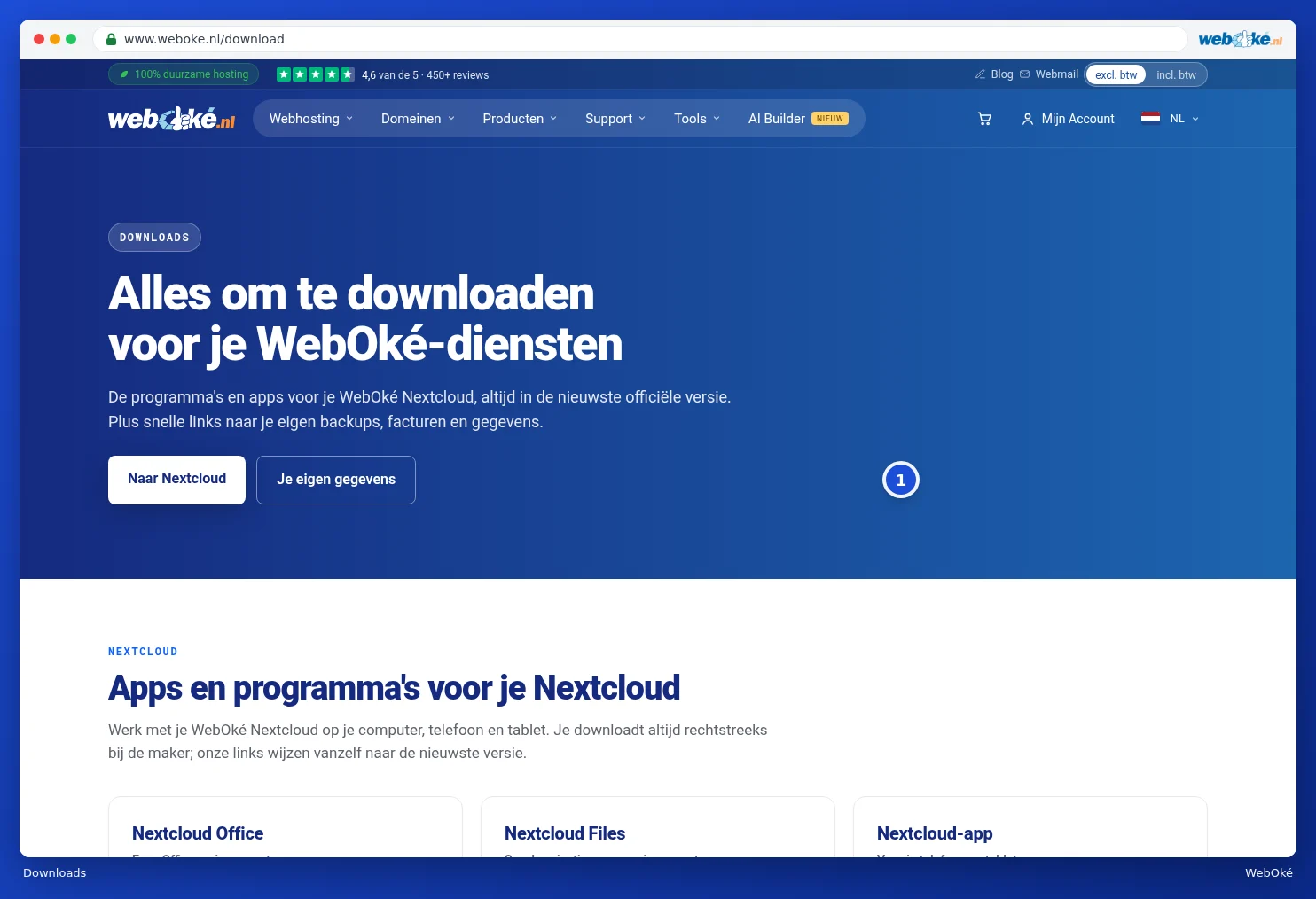
Use the two buttons at the top (1) to jump straight to the section about Nextcloud or to your own data.
Apps and programs for your Nextcloud
Here you'll find the programs to work with your WebOké Nextcloud on your computer, phone and tablet:
- Nextcloud Office: Euro-Office as a program on your computer, to edit documents, spreadsheets and presentations.
- Nextcloud Files: the synchronisation app, which automatically keeps your files in sync between your computer and your Nextcloud.
- Nextcloud app: for your phone and tablet, also for automatically uploading your photos.
- Nextcloud Talk: chat and video calling.
- DAVx5: your Nextcloud calendar and contacts on your Android phone.

Choose the button for your system on the card, for example Windows, Mac, iPhone or Android. You always download directly from the maker (Nextcloud, Apple, Google or F-Droid). WebOké itself doesn't store these files; our links automatically point to the latest official version. Most cards also include a link to instructions for installing the program. Read more about Nextcloud and Euro-Office in the Nextcloud manual and the Euro-Office manual.
Your backups, invoices and data
At the bottom of the page, you'll find three quick links to My WebOké. Click Open to go straight there. If you're not logged in, you'll log in first.

- Backups: download a backup of your website, databases or email. See WebOké Backups: restoring files.
- Invoices: your invoices as a PDF, for example for your bookkeeping. See Viewing and downloading your invoices.
- All your data: an overview of all the data we hold about you. See Privacy: downloading or deleting your data.